
Enki
San Francisco-based AI-powered learning platform for tech skills.
" height="10.804218750000006px" id="o1MinJwHn" transform="translate(1.8 3.598)" width="14.399319375000005px"/></svg>)

About
Enki Camp — remote camps offering AI-assisted learning across various tech topics tailored for professionals.
I worked on the platform redesign.
User Personas
There were two main user groups: the solo learner and the team learner. They had slightly different learning paths and interfaces.
Jordan — a team learner. She and the team of her colleagues are guided by mentors and AI.
Marcus — a solo learner. He reads the lesson content, accomplishes tasks, and often consults with AI.
Team
AI + Lessons + Mentor

Jordan
Operations Analyst
Jordan is learning Excel and Looker alongside her team to handle data tasks and grow in operations.
Solo
AI + Lessons

Marcus
Recent Graduate
Marcus is a recent communications grad learning SQL and Excel to land a hybrid role that blends user insight and data in a tech company.
Redesign
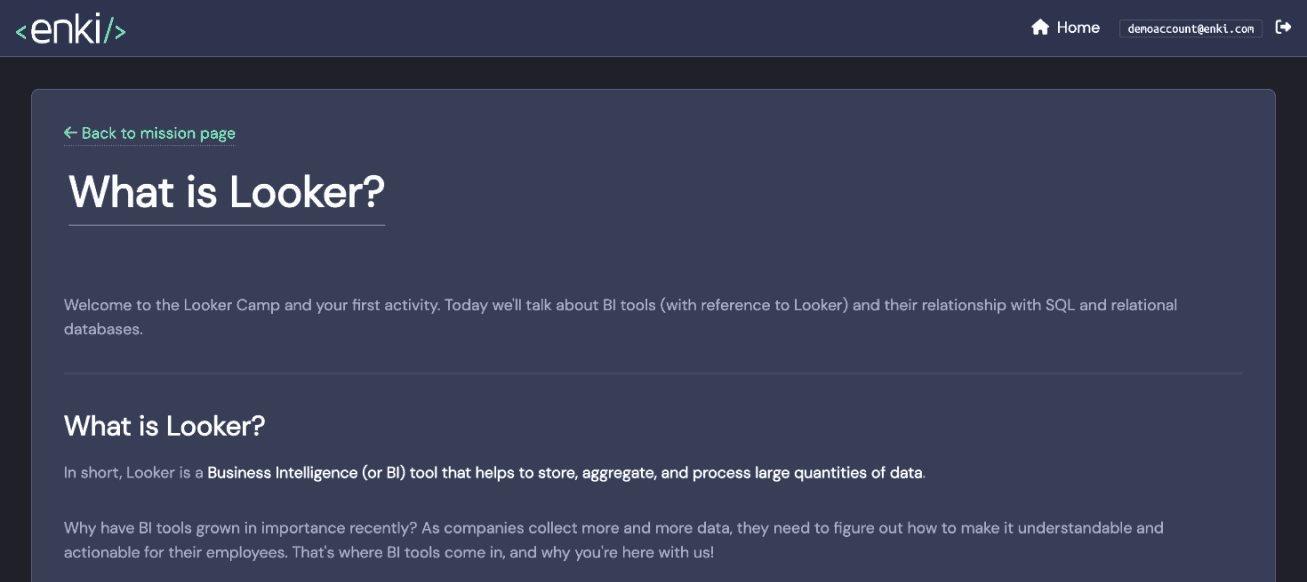
The redesign went in two stages. The first aimed to make the content easier to read. The second improved overall user experience.
Stage I: Easy to read
This stage doesn’t require user data. The main goal here is to make an improvement in problem areas that have been described many times within the industry before involving real users.
Research methods: stakeholder interview + expert review.


course page: Main improvements
Critical
Updated content.
Clear navigation.
Important
Clear tables.
Improved content proximity.
More consistent UI.
Lesson page: main improvements
Critical
Better text contrast.
The width of the text lines improves speed and convenience of reading.
Important
Legible font.
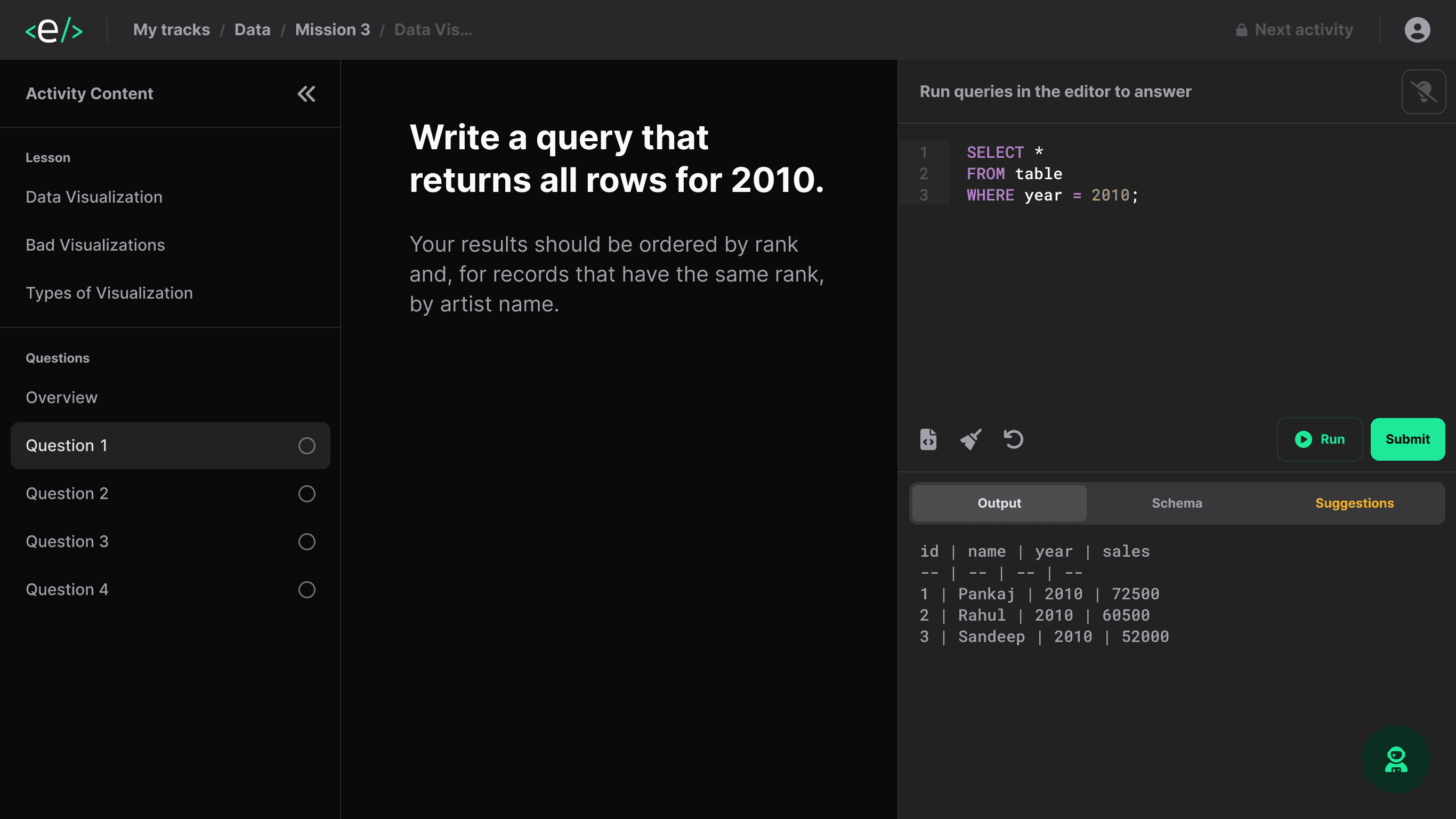
Stage II: Easy to use
The purpose of this stage is to improve user experience.
Research methods: experience sampling + qualitative analysis + stakeholder interview + expert review.
Lesson page: main improvements
Important
Most of the lesson content is accessible within one page.
User-friendly input fields depending on the answer type.
Contrast colour palette suitable for reading.
Optional
Lesson navigation doesn’t require scrolling through a big amount of content.
Lesson contents.
Adjustable layout.



application
app store rating 4.7
from tech lessons
to ai-assisted learning
❝ The best app to maintain and review skills ★★★★★
Design refinement
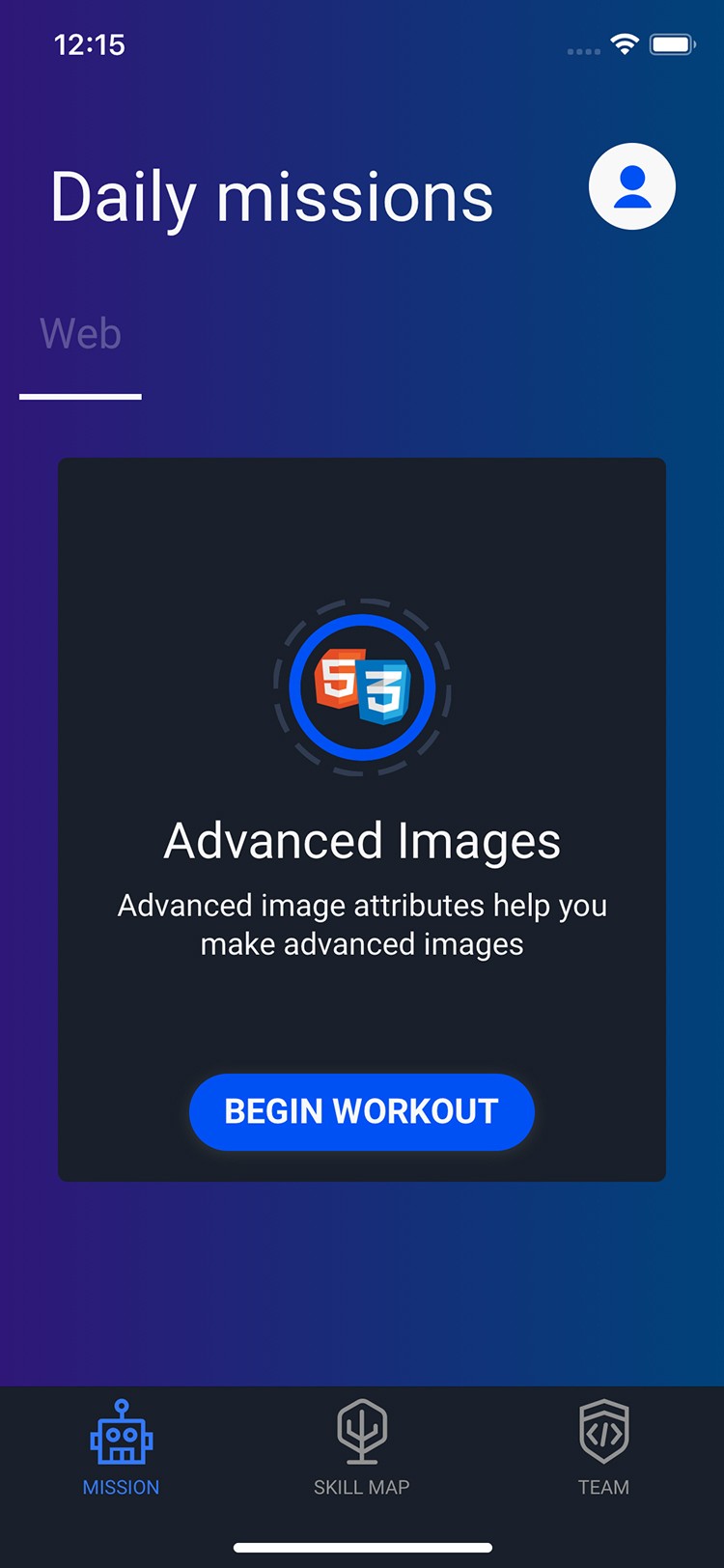
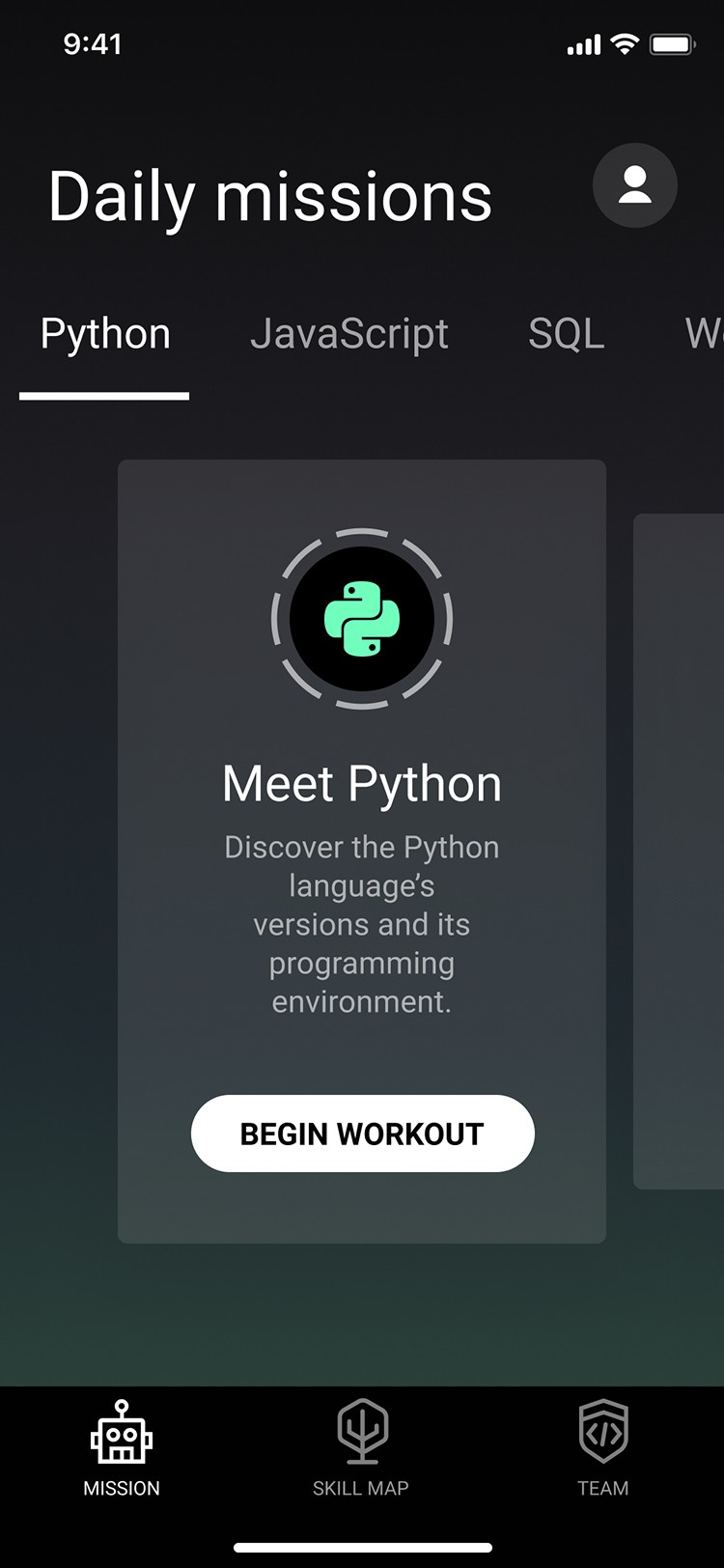
When I joined the project, the design had been modified without a designer for a while. The marketing team needed a more polished look, and we decided to focus on visual improvements.
Goal
Increased CR to install
In addition
Modern marketing materials.
Better appearance in stores.
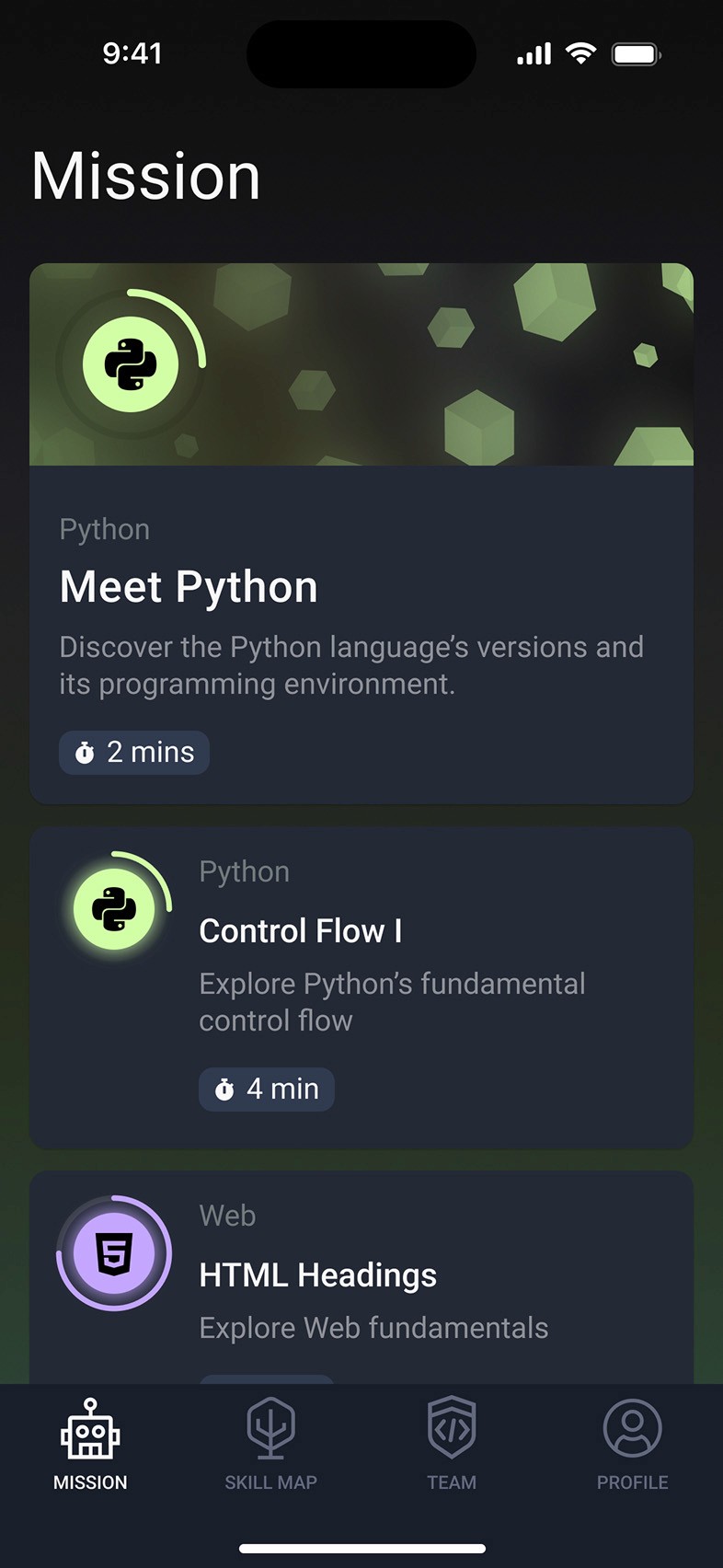
The main screen
The main screen used a horizontally scrollable card layout. From a usability standpoint, it raised some concerns — horizontal scrolls often suffer from poor visibility and lower engagement, especially without clear content priority.
Goal 1
Increased content visibility
In addition
Longer average scroll depth.
More workouts per day.
Goal 2
Flexible content types
In addition
Featuring of content became easier.
It’s possible to add new interface elements to the screen, e.g. a streaks card.

Streaks
Learning to code is hard to sustain — especially for beginners. Many users drop off within days despite strong initial motivation.
The product team hypothesized that a streaks mechanism would reinforce user habits.
Goal
Building a habit
In addition
Increased daily active audience.
Increased retention.
Coding playground
The coding playground was a popular user request. We designed a lightweight, distraction-free playground optimized for short coding sessions.
Goal
Happy users
In addition
Increased learning quality.
Increase in session duration.
user feedback
"Its best features are the coding playground, mentor review feature, and a robust library."


Tablet support
As part of a growth initiative, we explored expanding our reach by supporting tablets. We reworked layout patterns for larger viewports and created responsive components.
Goal
New user segments
In addition
Multi-device usage rate.
Improved in-app coding experience.

longest streak

workouts milestone

editor

creator

Course Completion

topic Completion
Achievements
We introduced a gamified achievement system to reward user progress. The system aimed to make learning feel more rewarding and dynamic.
Goal
A sense of momentum
In addition
Mapped effort.
Feeling of progress.

2026